Admin Settings
Advanced league controls for staff access, score reporting policy, publishing, league links, and ump assignments.
Admin Settings are advanced league controls. Most managers will not need them during normal setup, registration, scheduling, or score reporting.
Use Admin Settings when you need to:
- Add staff members who can help manage the league.
- Add umps who can report scores and mark forfeits.
- Change whether only staff can report scores.
- Change whether the league is publicly discoverable.
- Copy the league link.
- Turn on ump assignment tools.
The Admin Settings page is split into tabs. Which tabs you can see depends on your permissions for that league.
Staff And Permissions
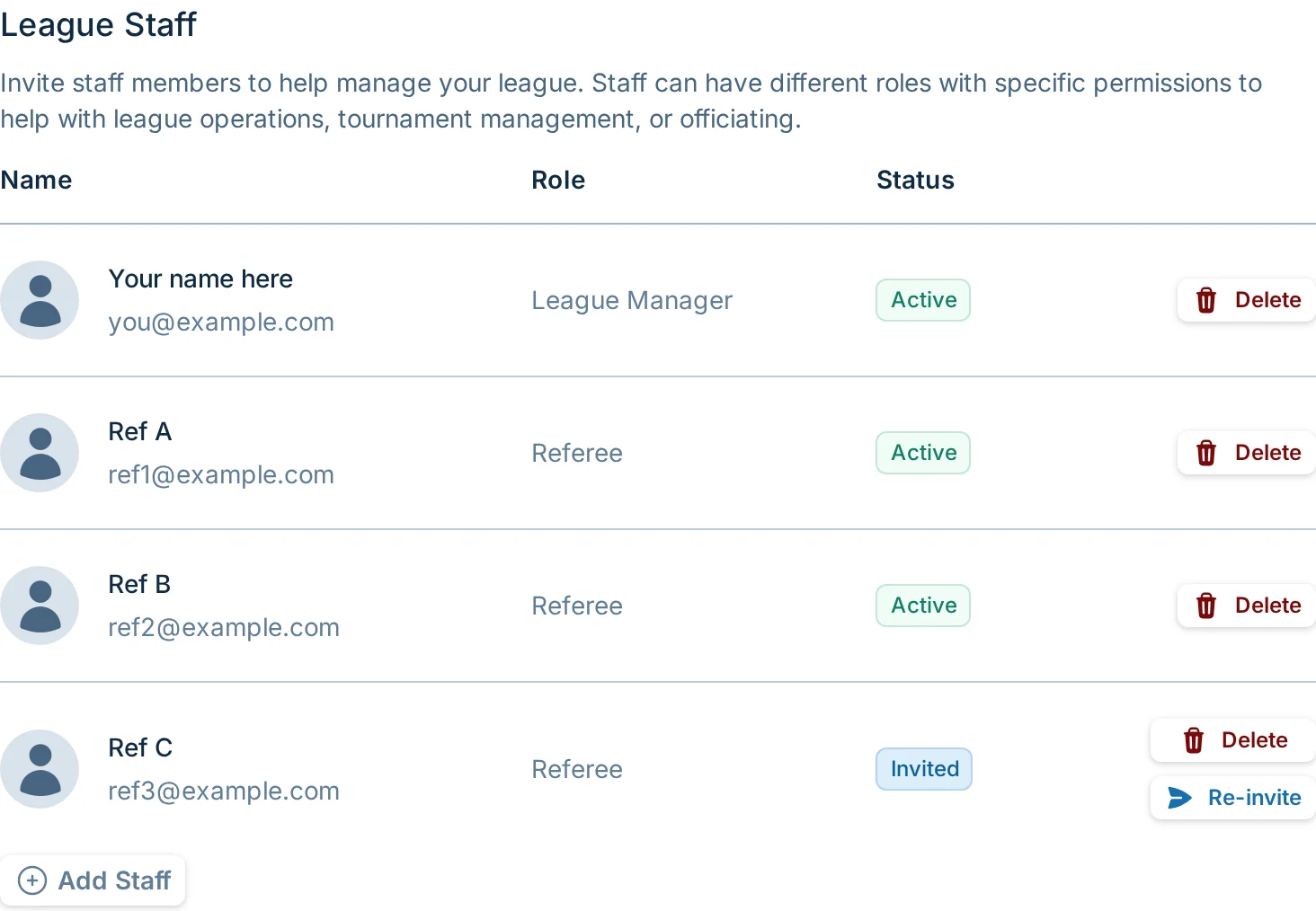
Use Staff & Permissions to invite people to help run the league and to control score reporting access.
This is where managers can:
- View active staff members and pending staff invitations.
- Invite a new staff member by name, email, and role.
- Remove a staff member or delete a pending invitation.
- Re-send an invitation after enough time has passed.
- Change score reporting to "Staff only."
Advanced
Use Advanced for discoverability and optional league features.
This is where managers can:
- Publish or unpublish the league from the event finder.
- Copy the direct league link.
- Enable ump assignments on games.
See Advanced Settings.
If you are looking for normal league setup, registration, scheduling, or score reporting, start with the regular manager guides instead. Admin Settings are mostly for edge cases and staff-managed leagues.